
Make outstanding videos with no complicated editing and no hours spent
Having difficulty transforming run-of-the-mill clips into interesting videos? Too much time editing footage, adding captions, cleaning backgrounds, syncing audio or creating content for various social media platforms?
CapCut Pro Personal Subscription is tailored for creators looking for a more powerful video editing experience without the added complexity of professional level editing software. CapCut boasts many features for editing, including high quality creative tools, customization options, AI tools, and templates, which can streamline your workflow to transform raw footage into polished content quickly.
Whether you’re making YouTube videos, Facebook Reels, Instagram Reels, TikTok videos, product ads, tutorials, promo videos, short videos, or whatever else you want to make, you’ll find a flexible video editor in CapCut to realize your concepts.
Prime Loom Host offers a hassle-free way for creators in Bangladesh to consider a subscription to CapCut Pro and potentially find support in the process.
What Is CapCut Pro
What Is CapCut Pro?
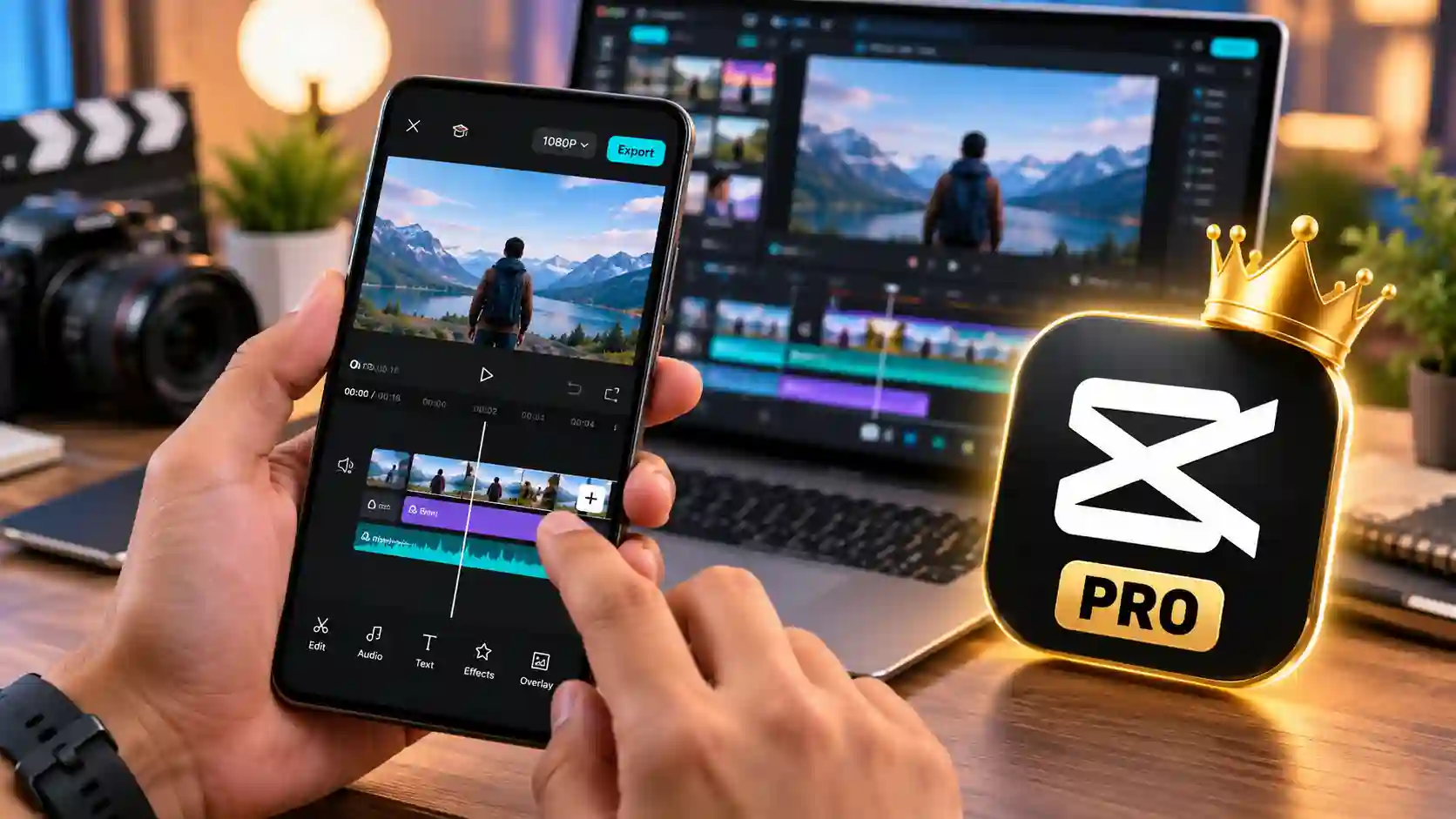
CapCut Pro is the highest paid version of CapCut’s video-editing suite. The free version offers a lot of helpful editing features, but Pro access might offer more premium resources and features depending on the active subscription plan, supported platform, account and region.
The platform is an amalgamation of classic video editing tools and ever more potent AI-powered creative tools. Rather than jumping between multiple programs to perform simple functions like editing clips, adding captions, adding visual effects, preparing audio, or pulling all the content to social sites, creators can do many of these within a single workflow.
The speed, convenience, creative flexibility, and intuitive interface make CapCut even more appealing to users who appreciate these features.
What is it about creators choosing CapCut Pro?
Social media is a fast-moving business these days. Sometimes, the creator has to create a YouTube video in the morning, a Facebook Reel in the afternoon and a couple of short-form videos later in the day.
It is no longer about merely documenting the content. The actual work is going from raw footage to something that would interest people to watch.
A good video can take up to:
Precise trimming
Multiple clips
Captions and subtitles
Music and sound effects.
Transitions
Text animations
Color adjustments
Background removal
Visual effects
Voice-over
Audio cleanup
Different aspect ratios
Platform-specific versions
With CapCut, many of these tasks can be performed within one editing platform, which allows creators to save time on their workflow.
For premium features and assets that might not be available in the same manner on the free tier, users can opt for a Pro subscription.

Key Highlights of CapCut Pro
Key Highlights of CapCut Pro
Premium video-editing experience
Highly sophisticated creative features and editing tools.
AI-assisted editing features
Premium effects, filters, templates, and creative assets.
Text, caption, subtitle and animation tools
Background removal capabilities
Chroma key/green-screen editing
Audio and sound-editing features.
Multi-layer editing workflow
Keyframe animation, speed controls.
Short-form and social media tools.
Support on supported platforms of CapCut.
Ideal for creators, freelancers, marketers and businesses.
Optimized for quicker content-production processes.
Premium Effects, Filters and Creative Assets.
The wide variety of creative materials is one of the reasons that makes CapCut so popular among short-form video content creators.
Premium access can offer more effects, filters, transitions, stickers, templates, fonts, animations, and more creative resources, depending on your region and current Pro plan.
These tools can assist you in creating content that has a stronger visual identity from just simple footage.
For instance, a product video can include animated text, as well as transitions, music, colour adjustments and motion effects, and a travel Reel could include all of the above, with the addition of transitions, music, colour adjustments and motion effects.
It is not intended to over-embellish a video. In contrast, creators can choose their assets that will support the message and make significant moments more prominent.
AI tools to accelerate content creation.Accelerate content creation with AI tools.
AI is now playing a significant role in video editing today, and CapCut has introduced AI-powered tools in different areas of its video editing platform.
Depending on the current version and subscription availability, AI-powered tools can help with captions, background removal, audio processing, text to speech, image/video generation, and other creative work.
These can be very beneficial when time is of the essence
In some cases, it can take a while to manually create subtitles for a long talking-head video. A computer-assisted captioning service can provide a draft, which can then be edited by the person who created the video.
It’s crucial to keep in mind that while AI can speed up the process, creators should always double-check AI-generated content for accuracy, timing, pronunciation, names, and context.
Create and craft auto-generated captions and subtitles.
Social media video captioning has emerged as a crucial aspect of video creation.
Short-form video content is watched by many people without audio, and good subtitles can also help people understand spoken content.
Using CapCut’s captioning feature, creators can add subtitles based on the video’s audio, and then edit, style, and place the text in the desired position.
Elements can be customized, such as:
Font
Size
Position
Animation
Timing
Style
Use color and visual effects.Use color and visual effects.
This is more than just text! They may be incorporated into the visual vocabulary of the video.
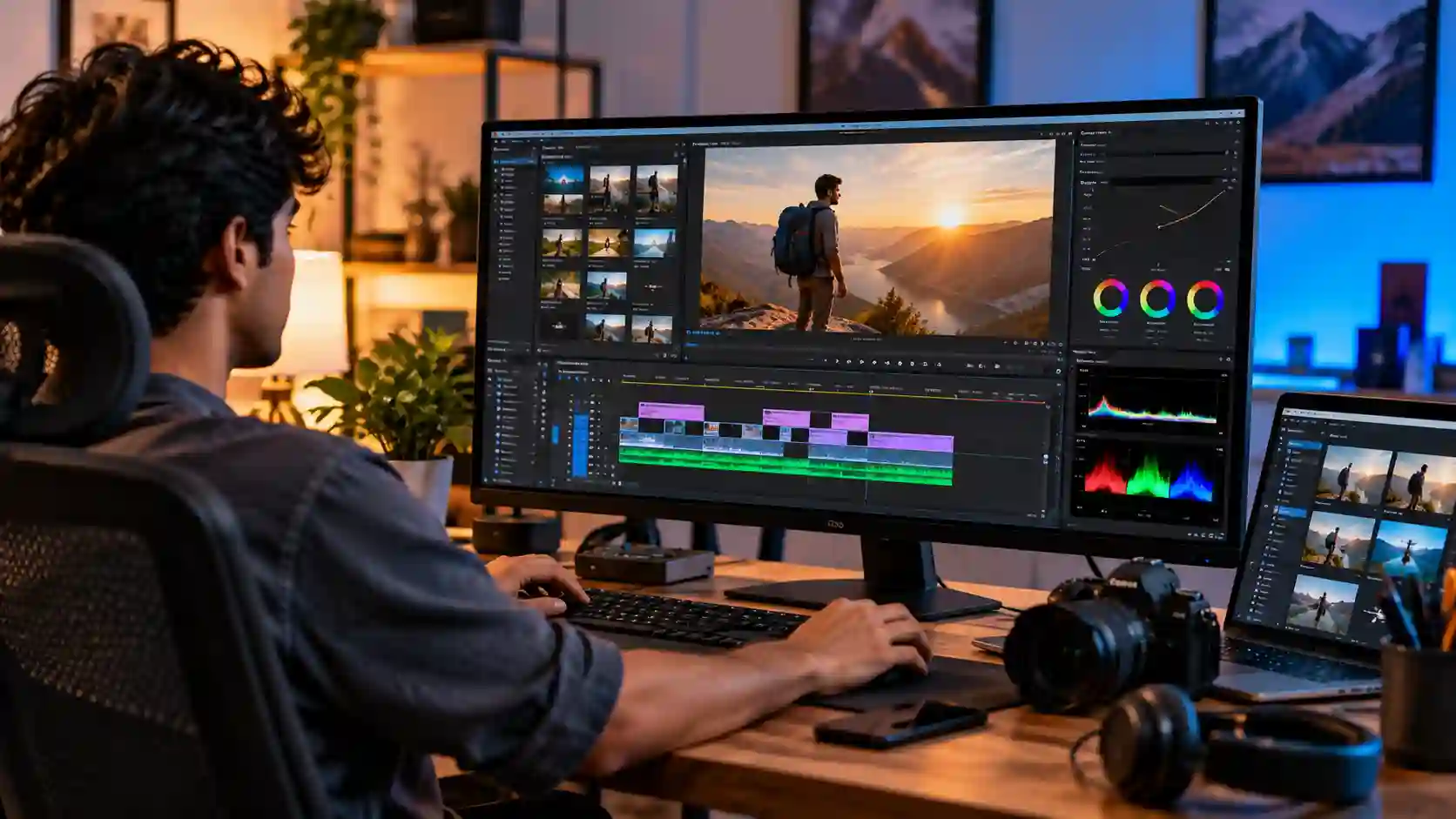
Professional-Looking Video Editing Without a Complicated Workflow
Whether you’re editing your first or last video, this course will help you craft a polished product without the hassle of a cumbersome workflow
Having years of editing experience is not a pre-requisite to begin creating with CapCut.
The user interface is based on common editing terms—timelines, clips, layers, text, audio, effects, and transitions.
For beginners, it’s best to begin with easier exercises:
Import the footage.
Add clips to the timeline.
Trim unwanted sections.
Add text/captions.
Include appropriate music/sound effects.
Adjust visual elements.
Check out the final time line.
Save the completed project in supported formats.
Once you get the hang of it, you can try out more advanced features like keyframes, masking, speed changes, chroma key, advanced adjustments, and AI tools.
More Creative Control is a multi-layered timeline.
In some cases, complex videos have to utilize multiple elements simultaneously.
There could be your main video layer, B-roll video, background music, voiceover, captions, graphics, stickers, and more.
These can be arranged and edited independently in a multi-layer editing workflow.
This is particularly useful for:
YouTube videos
Tutorials
Product advertisements
Reaction videos
Educational content
Talking-head videos
Social media Reels
Promotional campaigns
You don’t need to flatten all of the elements into one single image, to keep control of each one as you develop the project.
Removing backgrounds and using chroma key.
Many times, it is necessary to change or remove a background from a content as soon as it is created.This is a requirement all the time in today’s content creation.
CapCut offers background-removal and chroma-key features which can be helpful for various types of projects.
It is possible, for instance, to take a presenter away from the original background and over a graphic, promotional design, virtual environment, and so on.
Green-screen workflows also work great for educational videos, gaming videos, product demos, and creative social media videos.
The final effect will vary based on lighting, camera quality, the separation of the subjects, and the intricacy of the background.
Audio Editing and Sound Enhancement
Excellent pictures don’t make up for poor sound.
CapCut has integrated features to collaborate with voice, music, sound effects, and so on. Users can also be able to use AI features for audio, depending on the version and plan.
This can help creators to:
Add background music
Adjust volume levels
Match up audio and video.
Add sound effects
Work with voice-over
Minimise unwanted sound extraneous noise
Achieve a better balance of the final mix
The quality of the audio can have a surprisingly profound impact on the quality of a video if it is well designed.
Titles and Fonts are available for selection, along with animation.
When creating short-form content, text is one of the biggest components.
A good title tells viewers what the video will cover; animated captions can hold viewers’ attention during a video.
CapCut offers text creation and customization options such as various fonts, text styles, animation options, positioning, and timings.
Text can be used on:
Video titles
Captions
Product benefits
Calls to action
Educational explanations
Price highlights
Promotional messages
Social media hooks
With proper use, animated text can alert readers to important information without detracting from the content.
Colour Adjustment & Visual Enhancement.
Raw footage is not always as visually appealing as you’d like.
The lighting may be different in one scene compared to another and camera models may generate different colors. Creators can use CapCut’s color and adjustment tools to fine-tune their footage’s look.
Depending on the tools and current version, users can make adjustments to the brightness, contrast, and saturation, and to the temperature and other visual parameters.
Going through the time of the clips and making small changes can help them become more uniform.
Develop and produce content for YouTube, TikTok, Facebook and Instagram.
Each social network has its own type of content and expectations.
YouTube videos for landscapes might need a composition different to that of a vertical Instagram Reel or TikTok video.
CapCut simplifies the preparation of content for various formats with its resize, reframe, crop and project canvas modes.
It is especially helpful for business owners or content creators who wish to share a single piece of content on various platforms.
For instance, a long educational video can be broken down into a series of shorter videos for social media.
Who Should Buy CapCut Pro?
YouTube Creators
YouTubers can use CapCut for editing vlogs, tutorials, reviews, commentary, educational videos, Shorts, and promotional content.
TikTok Creators
Short-form creators can use transitions, text animations, effects, captions, audio, and other creative tools to build engaging vertical videos.
Facebook and Instagram Creators
Reels creators can quickly combine clips, captions, music, effects, and branded elements for social content.
Freelance Video Editors
Freelancers who need to produce multiple videos for clients can benefit from a streamlined editing workflow and reusable creative resources.
Digital Marketers
Marketers can create product demonstrations, promotional videos, advertisements, social media campaigns, and short-form marketing content.
E-commerce Businesses
Online sellers can create product videos that demonstrate features, show products in use, explain benefits, and communicate promotional offers.
Students and Educators
CapCut can also be useful for presentations, educational videos, tutorials, project demonstrations, and other visual learning content.
CapCut Pro for E-Commerce and Product Marketing
For an online business, product photography alone may not always be enough.
A short product video can demonstrate how an item works, show its size or features, explain benefits, and create a more engaging shopping experience.
For example, an e-commerce seller can create a short video with:
Product footage → Feature highlights → Text captions → Demonstration → Benefits → Call to action
This structure can be adapted for Facebook, Instagram, TikTok, YouTube Shorts, and other supported channels.
For businesses running paid advertising campaigns, multiple versions of the same creative can also be produced for testing different hooks, visuals, and messages.
CapCut Pro vs Free CapCut
The free version of CapCut is already useful for many everyday editing tasks. Therefore, upgrading to Pro makes the most sense when you actually need the additional premium resources or capabilities included with the applicable subscription.
Free Version
The free tier may provide access to a broad range of basic editing functions, templates, effects, text tools, and other resources.
Pro Subscription
The Pro experience can provide access to additional premium features, resources, AI capabilities, storage, and other benefits depending on the current plan and region.
The exact feature list can change over time. For this reason, customers should check the applicable CapCut plan details before purchase rather than relying on an outdated feature list.
Why Buy CapCut Pro from Prime Loom Host?
At Prime Loom Host, we focus on making digital products easier for Bangladeshi customers to purchase and understand.
When buying a digital subscription, customers naturally want clarity about the product, delivery process, compatibility, subscription period, and support.
Our product pages are designed to provide relevant information before you place an order.
Convenient Payment Options in Bangladesh
Customers in Bangladesh can use the payment methods supported by Prime Loom Host at checkout. Available methods may include local digital payment options, subject to current availability.
Digital Delivery
As this is a digital product, delivery does not involve physical shipping. The exact delivery method and estimated delivery time depend on the specific subscription package purchased.
Customer Support
If you encounter an issue related to your order, you can contact Prime Loom Host for assistance according to our customer-support and product policies.
Important Information Before Ordering
Please carefully review the subscription type, duration, account requirements, supported platform, activation method, and applicable terms before completing your purchase.
CapCut’s features, pricing, AI tools, storage allowances, export capabilities, and regional availability can change over time. Some features may also differ between Android, iOS, Windows, Mac, and Web versions.
A CapCut Pro subscription does not automatically mean that every feature is available on every device or in every country.
Also remember that access to third-party services is governed by the provider’s terms and policies. Customers should use their subscription in accordance with CapCut’s applicable terms of service.
Frequently Asked Questions
What is CapCut Pro?
CapCut Pro is a premium subscription option that provides additional features, resources, and capabilities beyond the standard free experience, subject to the current plan and regional availability.
Is CapCut Pro good for beginners?
Yes. CapCut is designed to be accessible to beginners while also providing more advanced editing tools for experienced creators.
Can I use CapCut Pro for YouTube videos?
Yes. CapCut can be used to edit many types of YouTube content, including long-form videos and Shorts, subject to the capabilities of the current version.
Can I create TikTok and Instagram Reels with CapCut?
Yes. CapCut is widely used for short-form vertical content, and its editing workflow supports the types of creative tasks commonly required for social media videos.
Does CapCut Pro include AI features?
CapCut offers various AI-powered features, but the exact features available to a user can depend on the current subscription, platform, region, and app version.
Can CapCut remove a video background?
CapCut provides background-removal capabilities. Results can vary depending on the footage, subject, lighting, and background complexity.
Can I add subtitles automatically?
CapCut offers automatic captioning/speech-to-text functionality in supported versions and regions. Generated captions should always be reviewed for accuracy before publishing.
Is CapCut Pro available on PC?
CapCut has desktop software for supported operating systems, as well as mobile and web experiences. Feature availability may differ between platforms.
Is CapCut Pro worth buying?
It can be worthwhile if you regularly create content and need premium resources or features that are unavailable or limited in the free version. Occasional users may find the free tier sufficient.
Before You Buy: Choose the Right Subscription
Not every customer needs the same CapCut package.
If you only make occasional personal videos, the free version may be enough. If you are a regular content creator, freelancer, marketer, business owner, or social media manager, the additional capabilities available through a Pro plan may provide greater value.
Before ordering, consider:
- How frequently you edit videos
- Which devices you use
- Whether you need premium creative assets
- Whether AI-assisted tools are important to your workflow
- How much content you produce each month
- Whether you need cross-device workflows
- Which CapCut features are available in your region
- The exact duration and type of subscription being purchased
This helps ensure that you select a product that genuinely matches your needs instead of paying for features you will not use.
Why CapCut Pro Can Improve Your Content Workflow
The biggest benefit of a good editing tool is not simply having more buttons or effects. It is being able to turn an idea into finished content efficiently.
For a creator, every minute saved during repetitive editing can be used for scripting, filming, audience engagement, marketing, or developing new content ideas.
CapCut brings editing, creative assets, text, audio, effects, and AI-assisted capabilities into a familiar workflow. That combination can make content production more convenient, particularly for creators who publish frequently.
The quality of your final video will still depend on your footage, storytelling, editing decisions, audio, creativity, and audience understanding. Software provides the tools—but the creator turns those tools into content.
Another Product: প্রিমিয়াম Video Editing Assets Pack
Final Verdict
CapCut Pro Personal Subscription is an excellent option for creators, freelancers, marketers, businesses, students, and social media users looking to enjoy a more powerful video-editing experience.
CapCut offers a variety of features that can streamline daily content creation, such as trimming and arranging clips, adding captions, text, effects, transitions, audio, removing background, adjusting colors, and more, including AI tools.
Whether you’re making YouTube videos, TikTok videos, Instagram Reels, Facebook videos, product videos, promotional videos, educational videos or short videos for other social media platforms, a suitable CapCut Pro plan can provide you with extra creative tools as well as streamline your video editing workflow.
Please check the specific term, delivery method, platform support, supported features, and other terms before ordering. In the case that the offered Pro features align with your work process, it may be effortless to purchase a digital membership in Bangladesh via Prime Loom Host.
Looking to take your video to the next level? Check out the CapCut pro subscription plan at Prime Loom host and decide which subscription plan best suits your content creation needs.
Related products

Buy Microsoft Copilot Pro Subscription
Original price was: 4,820৳ .3,550৳ Current price is: 3,550৳ .
Canva Pro Subscriptions
Price range: 30৳ through 100৳
Disney+ Subscription
Price range: 160৳ through 1,490৳