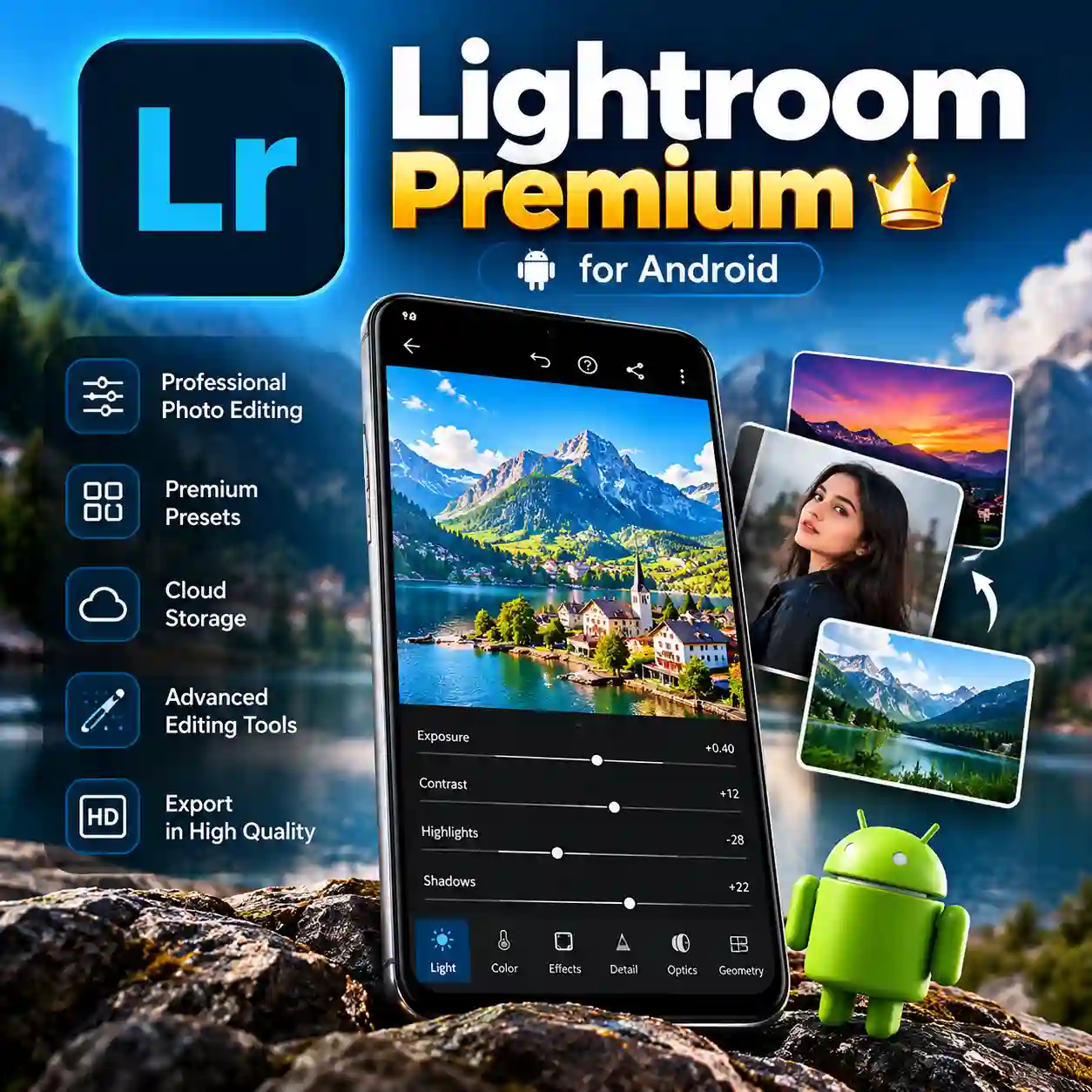
Lightroom Premium – Unlock Advanced Photo and Video Editing on Android
Want to make your photos look more professional without struggling with complicated editing software? Whether you create social media posts, edit travel photos, improve product images, or work on creative video projects, having the right editing tools can make a significant difference. Basic editing features may not always provide the flexibility you need to achieve your desired results.
Lightroom Premium is designed for users who want to explore advanced photo editing, professional image adjustments, creative presets, and additional editing capabilities through Adobe Lightroom. It is an excellent option to consider if you want more control over the appearance of your images and a more flexible mobile editing experience.
At Prime Loom Host, you can purchase Lightroom Premium for Android and receive your digital product as soon as your payment is completed. There is no need to wait for physical delivery, making it a convenient choice for creators who want to get started quickly.
Please note: This product is intended for Android OS only. If you want to use Lightroom on a PC, you may be able to run the Android version through a compatible Android emulator, subject to software compatibility and the applicable service terms.
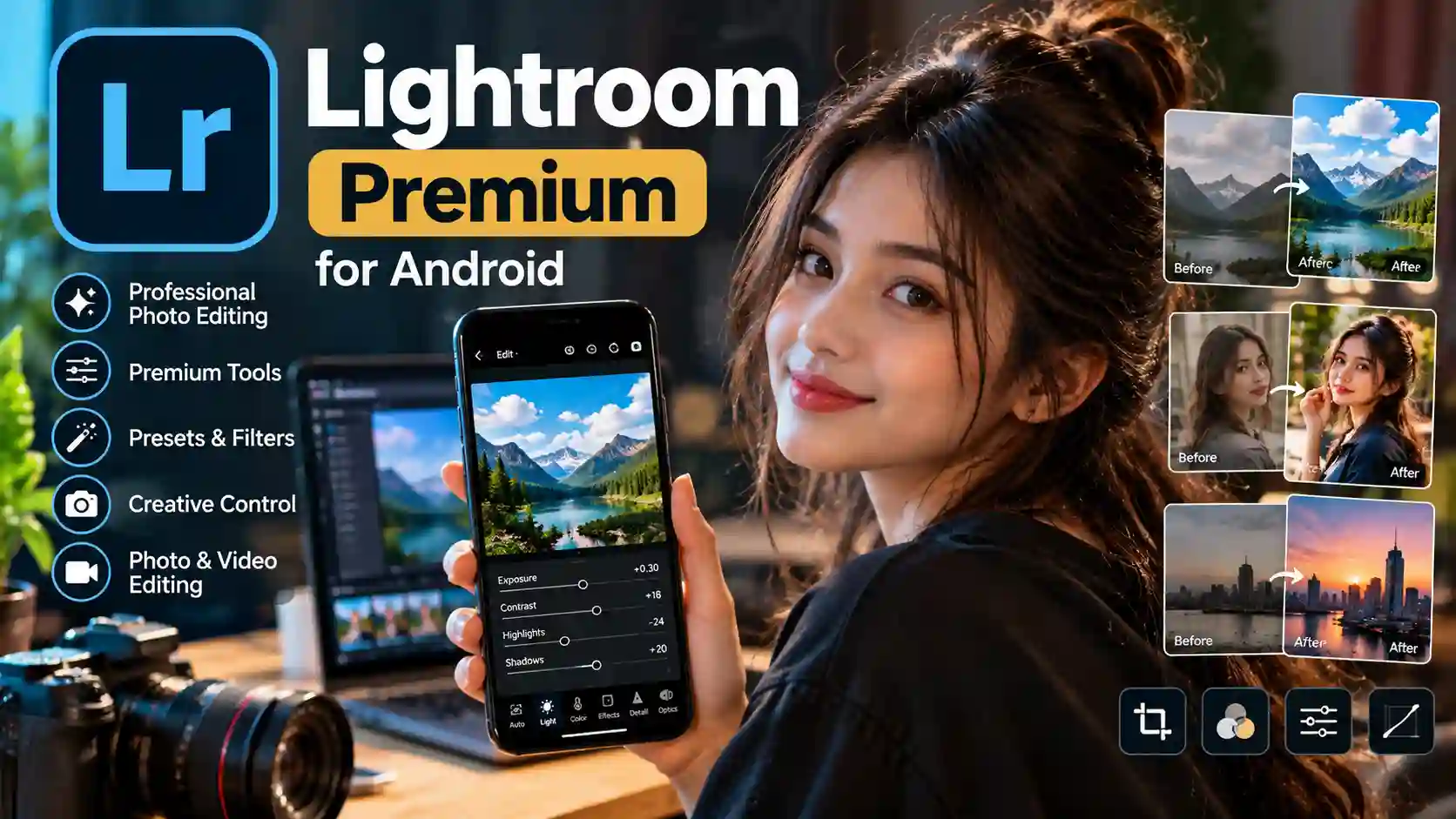
Lightroom Premium Highlights
Lightroom Premium Highlights
- Product: Lightroom Premium
- Platform: Android OS
- Category: Premium Photo and Video Editing
- Photo Editing: Advanced image adjustment and editing capabilities
- Creative Tools: Access to premium editing tools and features, depending on the activated plan
- Presets and Filters: Creative options for achieving different visual styles
- Digital Delivery: Product delivery after payment completion
- Waiting Time: No physical shipping required
- PC Compatibility: Android version may work through a compatible Android emulator
- Best For: Content creators, photographers, social media users, designers, and online sellers
- Available From: Prime Loom Host
What Is Lightroom Premium?
Adobe Lightroom is a photo editing application used by photographers, content creators, and everyday users to improve images and develop consistent visual styles.
Unlike simple editing tools that focus mainly on basic filters, Lightroom offers a range of adjustments that can help users control exposure, contrast, highlights, shadows, color, and other aspects of an image. Depending on the version and subscription entitlement, users may also have access to additional premium features.
Lightroom Premium is particularly appealing to people who want more creative freedom when editing photos on their Android devices.
Whether you are enhancing portraits, adjusting landscape photography, editing food pictures, or preparing product images for an online store, advanced editing tools can help you refine the final result.
Why Choose Lightroom Premium for Android?
1. Take Your Photo Editing Beyond Basic Filters
A filter can quickly change the appearance of a photograph, but it may not give you enough control over the final result.
Lightroom offers adjustment tools that allow you to refine different elements of an image. You can work on brightness, contrast, color balance, highlights, and shadows to achieve a more balanced and polished appearance.
These controls are useful when a photo looks too dark, the colors appear dull, or the lighting does not match the mood you want to create.
With access to the appropriate premium features, you can explore more advanced editing possibilities and develop a visual style that suits your creative needs.
2. Create a Consistent Look with Presets
Maintaining a consistent visual style is important for social media profiles, photography portfolios, and business pages.
Presets can help simplify the editing process by applying a particular set of visual adjustments to your photos. Depending on the preset and the image, you may still need to make additional changes to achieve the best result.
For example, you might prefer a warm look for travel photography, a clean and bright style for product images, or a more dramatic appearance for portraits.
Lightroom’s preset-based workflow can help you experiment with different styles without adjusting every setting manually from the beginning.
3. Improve Images for Social Media
High-quality images can make social media content more attractive and professional.
If you regularly publish photographs on Instagram, Facebook, or other platforms, Lightroom can help you refine colors, improve lighting, and create a recognizable visual identity.
You can use the editing tools to prepare travel pictures, lifestyle photography, promotional images, portraits, and other visual content.
For creators who publish frequently, a consistent editing workflow can also help reduce the time spent preparing each image.
4. Edit Product Photos for E-Commerce
Product photography plays an important role in online shopping. Customers often rely on product images to understand an item’s appearance before making a purchase.
If you operate an online store, Lightroom can help you improve the presentation of product photographs by adjusting exposure, color, contrast, and other visual details.
A clean, balanced image can make your product listings look more organized and appealing.
However, editing should not misrepresent the actual product. Keep important details, colors, textures, and product characteristics accurate so customers can make informed purchasing decisions.
5. Explore Premium Editing Capabilities
One of the main reasons users consider Lightroom Premium is the possibility of accessing additional editing tools beyond the basic experience.
Depending on the active subscription and application version, premium capabilities may include advanced editing controls, masking tools, additional presets, and other enhanced features.
The exact features available can change over time and may vary by plan, region, and account entitlement. For this reason, customers should confirm the included features before purchasing if they require a particular tool for their workflow.
Lightroom Premium for Video Editing
Lightroom is primarily known for photography, but supported versions also offer video editing capabilities.
Users may be able to apply visual adjustments and compatible presets to supported video clips, helping them maintain a consistent appearance across photos and videos.
This can be useful for creators who want their short-form content to match the visual style of their photographs.
However, Lightroom should not be confused with a full-featured video editor designed for complex timelines, advanced transitions, extensive audio editing, or professional motion graphics. Video capabilities depend on the application version and available features.
If your main goal is advanced video production, consider whether Lightroom’s available video tools match your specific requirements before purchasing.
Can You Use Lightroom Premium on a PC?
Lightroom is available through different desktop and mobile experiences, but this particular product is intended for Android OS.
If you want to use the Android version on a Windows PC, you may be able to run it through a compatible Android emulator. An emulator creates an environment in which certain Android applications can operate on a computer.
However, this method does not guarantee that every application feature will work correctly. Performance, compatibility, login requirements, and subscription recognition may vary depending on the emulator, computer specifications, and the application’s current requirements.
Important: This product is for Android OS, not a standalone Windows or macOS Lightroom subscription. If you specifically need Lightroom for your computer, verify the appropriate desktop plan before ordering.
Instant Digital Delivery from Prime Loom Host
Waiting for software delivery can be frustrating when you are ready to start a creative project.
Lightroom Premium from Prime Loom Host is a digital product, so no physical package needs to be shipped to your address.
Your product is delivered after payment is completed. This makes the purchasing process convenient for users who want to access their digital purchase without waiting for traditional shipping.
Before placing your order, make sure you have a compatible Android device and access to the account or setup information required for the product you are purchasing.
For the smoothest experience, follow the applicable activation instructions and use the official application where required.
Who Should Buy Lightroom Premium?
Content Creators
If you regularly publish photographs and visual content, Lightroom can help you refine your images and establish a consistent editing style.
Mobile Photographers
Lightroom is useful for photographers who prefer editing directly on an Android smartphone or tablet rather than transferring every image to a computer.
Social Media Managers
Creators who manage multiple social media accounts can benefit from a more organized editing workflow and consistent visual presentation.
Online Business Owners
E-commerce sellers can use image adjustments to prepare clearer and more attractive product photographs while keeping product details accurate.
Students and Creative Beginners
Users who want to learn about exposure, contrast, color adjustments, and other photography concepts can explore Lightroom’s editing workflow at their own pace.
Photography Enthusiasts
If you enjoy taking pictures and want more control over how your photographs look, Lightroom’s editing tools can help you experiment with different creative approaches.
Why Purchase Lightroom Premium from Prime Loom Host?
Choosing a digital product should involve more than simply looking at the price. You should understand which platform is supported, how delivery works, and whether the product matches your needs.
Prime Loom Host offers Lightroom Premium with a straightforward purchasing advantage: digital delivery after payment completion.
Before ordering, review these key points:
- The product is intended for Android OS.
- It is designed for photo editing and supported video editing workflows.
- Premium features depend on the activated subscription or entitlement.
- The product is delivered digitally rather than through physical shipping.
- Android-on-PC use through an emulator is not guaranteed.
- Subscription duration and account arrangements should be confirmed in the specific offer before purchase.
This information helps you choose a product that fits your device, editing needs, and expectations.
Important Information Before Purchasing
Please read the following details carefully to avoid compatibility or activation issues.
Android Compatibility: This listing is intended for Android OS. Check your device’s compatibility before purchasing.
Subscription Features: The available premium tools depend on the subscription entitlement and application version.
Digital Delivery: The product is delivered after payment completion.
PC Usage: The Android version may work through a compatible emulator, but this is not guaranteed and does not replace a desktop subscription.
Account Requirements: Follow the activation and account requirements provided for the specific product offer. Do not assume that every subscription type uses the same activation process.
Subscription Duration: Confirm the stated validity period in the current offer before ordering, as no specific duration is provided in this product information.
Official Application: Download applications through appropriate official channels and follow the service’s applicable terms.
Frequently Asked Questions
What is Lightroom Premium?
Lightroom Premium is an enhanced version of Adobe Lightroom that can provide access to additional photo editing tools and other premium capabilities, depending on the subscription plan.
Is this Lightroom Premium product available for Android?
Yes. This product is intended specifically for Android OS.
Will I receive the product immediately?
The product is delivered after payment completion. The exact activation or setup steps depend on the delivery method associated with your order.
Can I use Lightroom Premium on my Windows PC?
This listing is for Android. You may be able to run the Android version through a compatible emulator, but compatibility is not guaranteed. For native desktop use, check the appropriate Lightroom desktop subscription.
Can I edit photos with Lightroom Premium?
Yes. Lightroom provides photo editing tools for adjusting exposure, color, contrast, and other image characteristics. The available premium capabilities depend on the activated plan.
Does Lightroom support video editing?
Supported versions of Lightroom include certain video editing capabilities. However, the application is primarily focused on photography and may not replace a dedicated advanced video editor.
Is Lightroom Premium suitable for beginners?
Yes. Beginners can learn photo editing through its adjustment tools and presets, although some advanced features may take time to understand.
Is the subscription lifetime access?
The product information provided does not specify lifetime access. Customers should check the stated subscription duration and conditions before purchasing.
Do I need a compatible Android device?
Yes. Since this product is intended for Android OS, you should have a compatible device and meet the application’s current requirements.
Where can I buy Lightroom Premium in Bangladesh?
You can purchase this digital product through Prime Loom Host. Review the product details and platform compatibility before placing your order.
Make Every Photo More Creative with Lightroom Premium
Great photographs often need more than a quick filter. The right editing tools can help you improve lighting, refine colors, create a consistent style, and present your visual content more professionally.
Lightroom Premium is worth considering if you want an enhanced mobile photo editing experience on Android and need additional creative flexibility for your personal or professional projects.
Whether you edit social media photographs, travel pictures, portraits, or e-commerce product images, Lightroom can become a useful part of your creative workflow.
Order Lightroom Premium from Prime Loom Host today and take your Android photo editing experience to the next level.