Adobe Creative Cloud Subscription Genuine Creative Tools for Designers, Video Editors and Content Creators
If you rely on Adobe software for your daily work, an interrupted subscription can cost you more than money. It can delay client projects, disrupt your editing workflow, and leave you searching for another seller just when you need your tools the most.
With the Adobe Creative Cloud Subscription from Prime Loom Host, you can access Adobe’s professional creative software through a subscription service tailored to your selected plan. Whether you work in graphic design, video editing, photography, illustration, or digital marketing, the right Creative Cloud plan can help you manage your creative projects with greater confidence.
Prime Loom Host focuses on clear product information, account-based activation, and customer support. Before ordering, you can confirm the available plan, subscription duration, included applications, and warranty terms so you know what you are purchasing.
Get the Adobe creative tools you need for your next project with Prime Loom Host.
Key Highlights
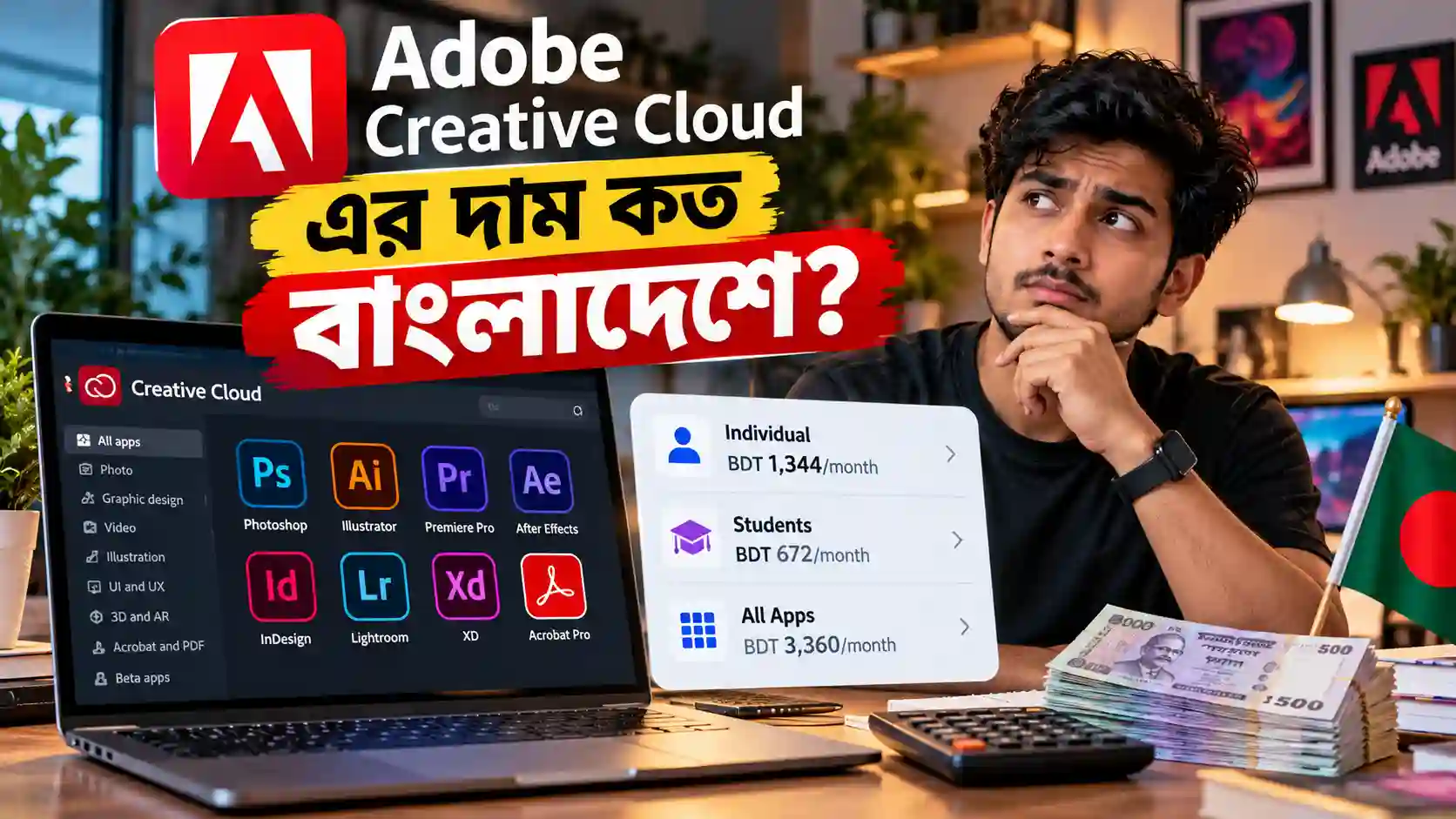
- Professional Adobe applications: Access eligible creative software such as Photoshop, Illustrator, Premiere Pro, After Effects, InDesign, and Lightroom, depending on your selected plan.
- Personal account activation: The advertised service is intended for activation on your own Adobe account, subject to the selected subscription and Adobe’s account policies.
- Creative workflows for different industries: Suitable for graphic designers, photographers, video editors, freelancers, marketing teams, and content creators.
- Cloud-based creative features: Access eligible cloud services, file-syncing features, fonts, and other resources according to your plan.
- Customer assistance: Receive support from Prime Loom Host according to the service and warranty terms confirmed at purchase.
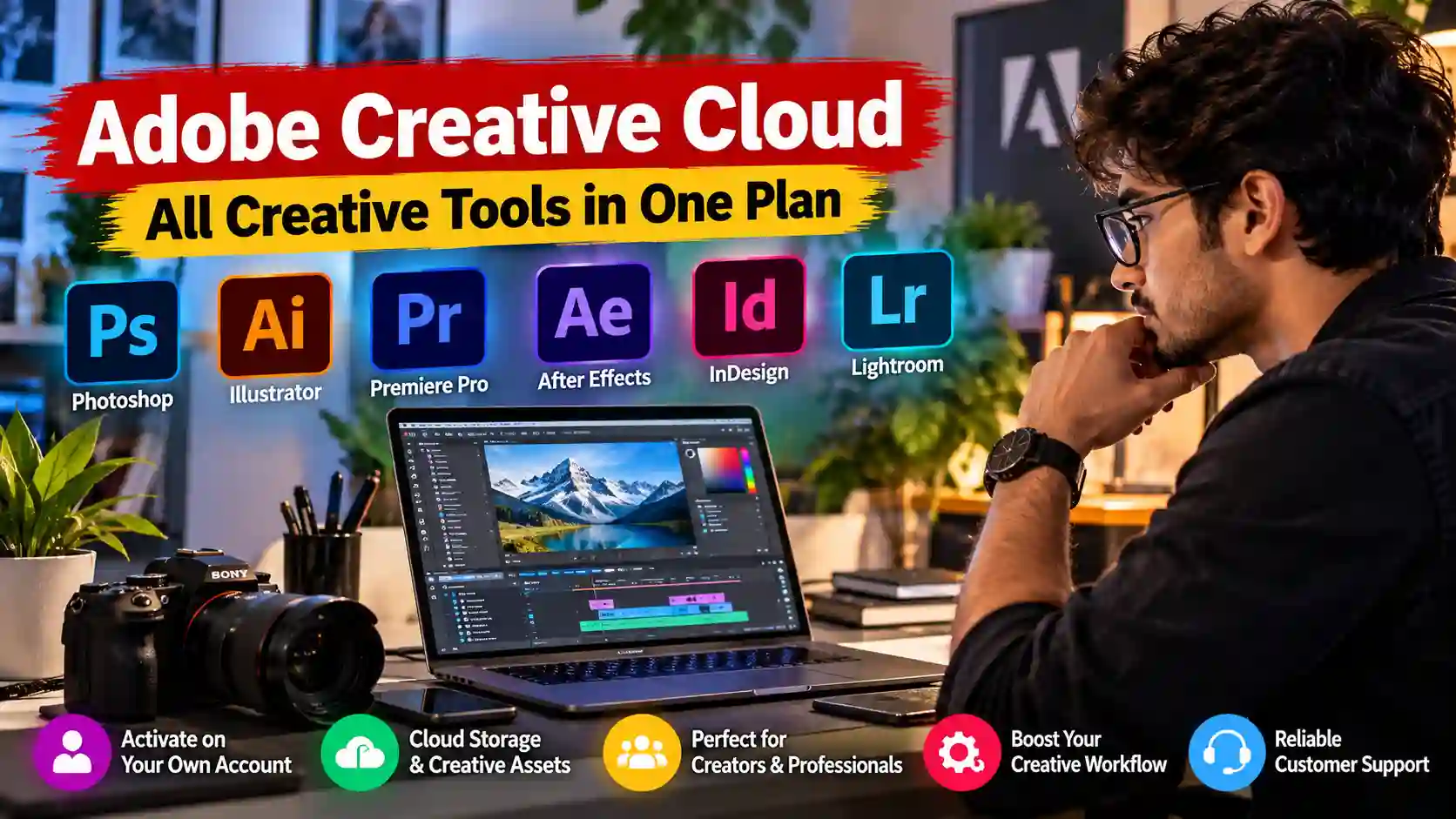
What Is Adobe Creative Cloud?
Adobe Creative Cloud is Adobe’s subscription-based ecosystem of creative applications and services. It brings together tools for image editing, graphic design, video production, photography, illustration, page layout, and other creative tasks.
Instead of purchasing every application separately, customers can choose an Adobe subscription that matches their work. Depending on the plan, this may include multiple desktop applications, mobile apps, online services, cloud features, and access to updates.
For professionals, this flexibility is particularly useful. A designer may need Photoshop and Illustrator for daily projects, while a video editor may depend on Premiere Pro and After Effects. Photographers may prefer Lightroom and Photoshop, whereas publishing professionals may need InDesign.
The important point is to choose the subscription that covers your actual requirements. Not every Adobe plan includes every application or service, so checking the included features before purchasing helps avoid unnecessary costs.
Why Choose an Adobe Creative Cloud Subscription?
Work with Professional Creative Software
Creative work often involves more than producing a single image or video. You may need to edit photographs, prepare marketing graphics, design logos, create animations, develop presentations, or deliver polished videos to clients.
Adobe provides specialized tools for these different tasks. Using applications designed for professional creative workflows can help you organize projects, maintain consistency, and work with commonly used industry formats.
For example, Photoshop is widely used for image editing and compositing, Illustrator is designed for vector graphics, Premiere Pro supports video editing, and After Effects is used for motion graphics and visual effects.
Having access to the applications relevant to your work means you can select the right tool for each project rather than trying to complete everything in one program.
Keep Your Creative Workflow Organized
When you handle several projects at once, switching between incompatible tools can slow you down. Adobe applications are designed to support different stages of creative production, making it easier to combine image editing, illustration, video editing, and motion graphics within a broader workflow.
Depending on the applications and features included in your plan, you may be able to move assets between compatible Adobe tools, reuse creative elements, and organize your work more efficiently.
This can be particularly helpful for freelancers and agencies that regularly produce content for different clients.
Access Eligible Updates and Features
Adobe updates its applications and services over time. An eligible active subscription can provide access to supported application updates and features under the applicable plan.
This is useful for creators who want to keep their software current and work with supported file formats and evolving creative tools.
Feature availability may vary by application, subscription, operating system, and hardware. Before purchasing, check Adobe’s current requirements if you depend on a particular feature for professional work.
Explore the Adobe Applications That Support Your Work
The applications available to you depend on the subscription you purchase. The following examples explain what popular Adobe tools are designed to do.
Adobe Photoshop – Image Editing and Digital Design
Photoshop is a popular choice for photo editing, image compositing, digital artwork, and creative graphics.
It can be useful for preparing social media posts, editing product photographs, creating advertising visuals, designing thumbnails, and combining multiple visual elements into one composition.
For eCommerce businesses, Photoshop can support product-image preparation and promotional design. Photographers can use it to refine images, while designers can use its editing tools to create original visual concepts.
Adobe Illustrator – Logos and Vector Graphics
Illustrator is designed for vector-based artwork. It is commonly used to create logos, icons, illustrations, packaging graphics, and scalable brand assets.
Vector artwork is especially valuable when the same design needs to appear in different sizes. A logo, for example, may need to work on a small website icon as well as a large printed banner.
Illustrator can help designers create artwork that remains suitable for a wide range of output sizes and formats.
Adobe Premiere Pro – Professional Video Editing
Premiere Pro is a video-editing application used for assembling footage, trimming clips, arranging timelines, adjusting audio, adding transitions, and preparing finished videos.
It can support workflows for YouTube videos, promotional content, interviews, educational videos, social media campaigns, and other video projects.
For freelance editors and content creators, access to a suitable video-editing application can make it easier to manage projects from the initial footage through to the final export.
Actual editing performance depends on your computer’s processor, memory, graphics hardware, storage, footage format, and project complexity.
Adobe After Effects – Motion Graphics and Visual Effects
After Effects is used for motion graphics, animation, compositing, and visual effects.
Creators can use it to develop animated titles, logo animations, moving graphics, visual transitions, and other effects that add movement to a project.
It is particularly useful for motion designers, video editors, advertising professionals, and creators who want to include more advanced visual elements in their videos.
Adobe Lightroom – Photography and Photo Management
Lightroom is designed for photography workflows, including image adjustments, colour correction, and photo organization.
It can help photographers maintain a consistent visual style across a collection of images, making it useful for portrait photography, travel photography, product photography, and social media content.
The exact Lightroom features available depend on the application version and subscription plan.
Adobe InDesign – Layout and Publishing
InDesign is used for page layout and publication design. It can support projects such as brochures, magazines, catalogues, reports, presentations, and other multi-page documents.
For agencies, publishers, and designers who regularly prepare professional layouts, it offers specialized tools for organizing text, images, and page elements.
Important: The applications listed above are examples of Adobe’s creative software, not a guarantee that every application is included in every Prime Loom Host offer. Confirm the exact plan and application list before ordering.
Who Can Benefit from Adobe Creative Cloud?
Graphic Designers
Graphic designers often work on logos, banners, product graphics, advertising materials, social media content, and brand identities. Access to suitable Adobe applications can help them handle a wider range of design requirements.
Video Editors and YouTubers
Video editors can use relevant Adobe tools to organize footage, edit timelines, create titles, and produce content for online platforms. Motion graphics applications may also be useful when a project requires animation or visual effects.
Photographers
Photographers may benefit from image editing, colour adjustment, and photo management applications. The right subscription depends on whether their workflow requires Lightroom, Photoshop, or both.
Freelancers
Freelancers often need to manage several clients with different requirements. A suitable Adobe subscription can help them work with common creative formats and deliver professional assets across different project types.
Digital Marketing Teams
Marketing teams regularly produce promotional graphics, campaign videos, product visuals, and other content. Adobe applications can support these activities, depending on the tools included in the selected plan.
Businesses and Creative Agencies
Agencies and businesses that regularly create marketing materials may benefit from choosing a subscription that fits their team’s actual workflow. For organizations with multiple users, the appropriate individual or business licensing option should be confirmed before purchasing.
Why Buy Your Adobe Subscription from Prime Loom Host?
Choosing a digital subscription should involve more than comparing prices. You should also understand the account arrangement, activation process, subscription duration, and support terms.
Prime Loom Host aims to make these details clearer so customers can make an informed purchasing decision.
Account-Based Activation
The advertised offer is intended for activation on your own Adobe account. The exact activation method depends on the subscription arrangement and eligibility of the account.
Before activation, confirm which account details are required and whether the selected plan is compatible with your account and region.
Never share your Adobe password or one-time security codes unnecessarily. Where possible, use Adobe’s official account and authorization procedures.
Clear Subscription Information
The subscription period and included features should be confirmed before you place your order. This helps you understand when access begins, which applications are included, and what happens when the subscription expires.
If you require a specific application for an upcoming client project, confirm its availability rather than assuming that every Creative Cloud plan includes it.
Customer Support
Technical issues can sometimes arise during account activation, installation, or sign-in. Prime Loom Host provides customer assistance according to the terms of the purchased service.
Keep your order confirmation and relevant activation information so that you can provide the necessary details if you need help.
A More Informed Purchase
A reliable buying experience starts with accurate information. Knowing the subscription type, duration, included applications, and warranty conditions helps you decide whether the offer suits your needs.
Prime Loom Host encourages customers to confirm these details before purchasing so expectations remain clear.
Genuine Software vs. Cracked Software
Using unauthorized or modified software can introduce unnecessary risks. Unofficial installers may contain harmful code, interfere with updates, or expose your device to security problems.
They may also create compatibility issues or disrupt work when a project depends on a particular application version.
An eligible official Adobe subscription provides access under Adobe’s licensing terms. It can also provide access to supported updates and services associated with the selected plan.
For people who depend on their computer for client projects, business operations, or paid creative work, software legitimacy and account security are important considerations.
However, the exact legitimacy of any third-party subscription offer depends on the actual license and activation method. Customers should confirm that their purchase complies with Adobe’s licensing rules and that the advertised plan is appropriate for their intended use.
Cloud Storage, Fonts, and Creative Resources
Adobe offers different cloud-based features and creative resources across its applications and plans. Depending on the selected subscription, these may include cloud document features, file synchronization, Adobe Fonts, or other eligible services.
These resources can be helpful when you need to manage creative assets or work across supported devices.
However, cloud storage capacity, font access, stock assets, and other benefits are not identical across all Adobe plans.
Before ordering, verify the exact included storage capacity and whether Adobe Fonts, Adobe Stock, or any other specific service is part of the advertised package. Adobe Stock access should not be assumed to be included merely because a subscription is described as Creative Cloud.
This distinction helps you choose the correct subscription and avoid paying for a package that does not match your workflow.
Windows and macOS Compatibility
Adobe offers applications for supported Windows and macOS systems, although the requirements differ by application and version.
Before purchasing, check that your computer meets the minimum system requirements for the applications you intend to use. Video editing, animation, and large image projects can require substantial memory, storage, and processing power.
Also confirm that your operating system is supported by the current application version.
A subscription provides software access; it does not automatically upgrade your computer or guarantee that every feature will run equally well on every device.
How to Order Adobe Creative Cloud from Prime Loom Host
The ordering process is designed to help you purchase the appropriate digital subscription.
- Choose your subscription: Review the available Adobe Creative Cloud offer and confirm the plan, validity, and included applications.
- Provide the required account information: Enter the correct account email or other details specifically requested for activation.
- Complete your payment: Follow the checkout instructions on Prime Loom Host.
- Follow activation instructions: Wait for the activation process and follow any instructions provided by the support team.
- Verify your subscription: Sign in to your Adobe account and check the subscription status and included applications before beginning important work.
Activation time may depend on order verification, account eligibility, and the subscription method. If you have a deadline, confirm the expected delivery time before ordering.
Things to Check Before Purchasing
Before you buy, take a moment to review these points:
- Subscription type: Confirm whether the offer is an individual, team, or another type of subscription.
- Duration: Check the exact validity period and renewal conditions.
- Application list: Verify that the applications you need are included.
- Cloud services: Confirm storage capacity and access to any additional resources you require.
- System requirements: Make sure your computer supports the applications you intend to use.
- Activation method: Understand how the subscription will be added to your account.
- Warranty and support: Read the specific coverage, exclusions, and claim procedure.
- Renewal: Check whether renewal is manual or automatic and whether any additional charges may apply.
These checks are particularly important if you use Adobe applications for paid client work or business operations.

Frequently Asked Questions
What is Adobe Creative Cloud Subscription?
Adobe Creative Cloud is a subscription-based collection of creative applications and services. Depending on the selected plan, it can provide access to tools for image editing, graphic design, video editing, photography, illustration, and publishing.
Which Adobe applications are included?
The included applications depend on the purchased plan. Popular Adobe applications include Photoshop, Illustrator, Premiere Pro, After Effects, Lightroom, and InDesign. Confirm the exact application list for the Prime Loom Host offer before ordering.
Can the subscription be activated on my own Adobe account?
The advertised offer is intended for personal account activation. The exact activation process and eligibility depend on the selected subscription arrangement and Adobe’s policies.
Does every Creative Cloud subscription include 100 GB of storage?
No. Storage capacity varies by plan and may change over time. Confirm the storage included in the specific package before purchasing.
Are Adobe Fonts and Adobe Stock included?
Adobe Fonts and Adobe Stock have different access and licensing arrangements. Their availability depends on the applicable plan and service terms. Do not assume that Adobe Stock is included unless it is explicitly confirmed.
Can I use Adobe Creative Cloud on Windows and Mac?
Adobe offers applications for supported Windows and macOS systems. Compatibility depends on the application, version, and system requirements. Check the requirements for your specific computer before purchasing.
Is Adobe Creative Cloud suitable for video editing?
Yes, eligible plans can include video-editing tools such as Premiere Pro and, where included, After Effects for motion graphics and visual effects. Check the selected plan to confirm availability.
Is the subscription suitable for freelancers?
It can be suitable for freelancers who regularly use Adobe applications for client projects, provided the selected license permits their intended use.
What should I do if activation does not work?
Keep your order confirmation and contact Prime Loom Host support through the available support channel. Avoid sharing your password or security codes unless an official, secure authorization process specifically requires a particular action.
Does the subscription renew automatically?
Renewal depends on the subscription arrangement. Check the plan details and your Adobe account’s subscription information to understand the renewal date, billing arrangement, and cancellation terms.
Is Adobe Creative Cloud a lifetime license?
No. Creative Cloud is subscription-based. Access depends on an active, eligible subscription and the applicable licensing terms.
Is this a physical product?
No. This is a digital subscription service. There is no physical software package shipped to your address.
Make Your Creative Workflow More Reliable
Your creative tools should support your work, not become a source of unnecessary uncertainty. Whether you design marketing graphics, edit videos, retouch photographs, or prepare client deliverables, choosing an appropriate Adobe subscription can help you work with tools designed for those tasks.
The key is to purchase a plan that matches your actual needs, verify the included applications, and understand the account and support arrangements before activation.
Choose your Adobe Creative Cloud Subscription from Prime Loom Host, confirm the package details, and get started with the creative applications your projects require.
Related products
Microsoft office 365 subscription
Original price was: 12,800৳ .2,750৳ Current price is: 2,750৳ .
Spotify Premium Subscription Plans
Price range: 550৳ through 590৳